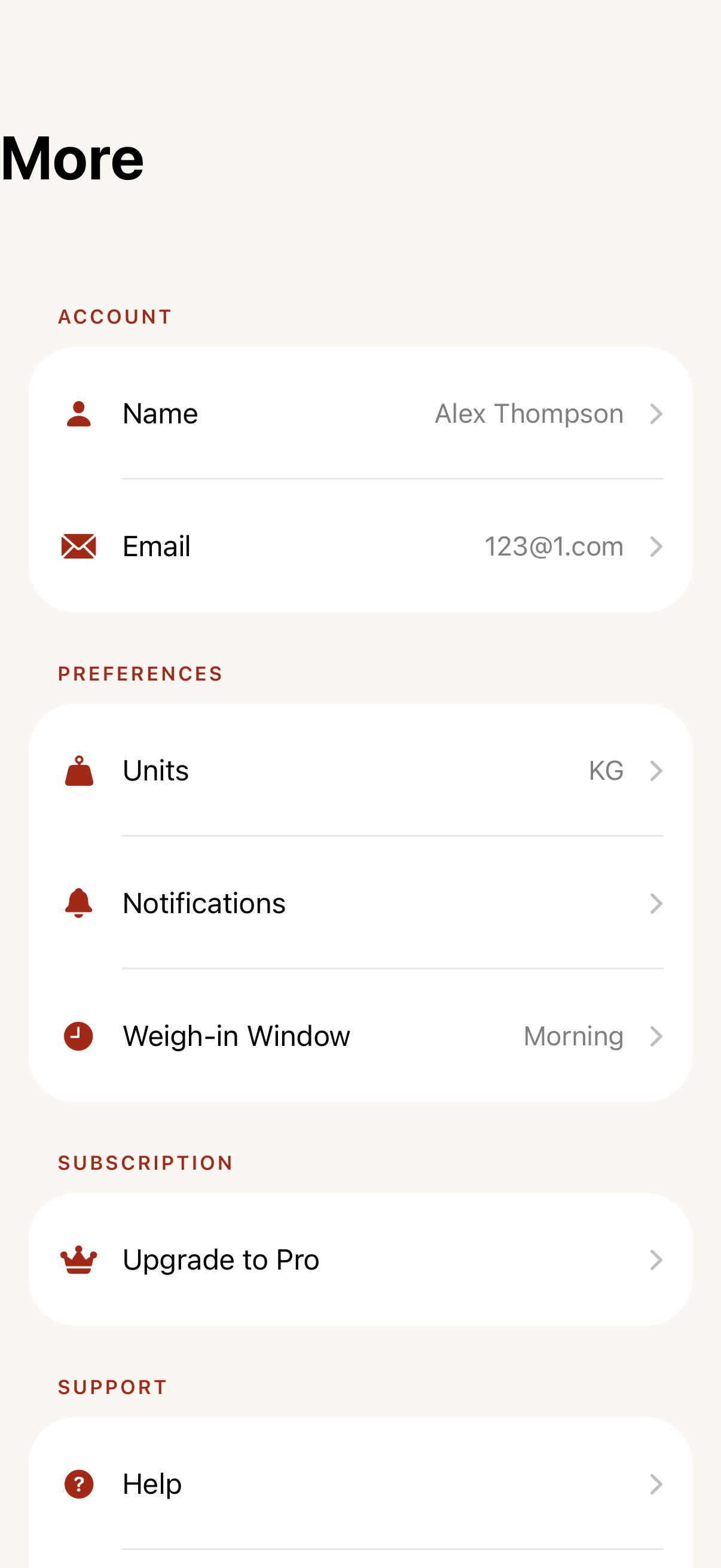
All Screens
Each screen shows the Claude design target alongside the latest iOS build snapshot. 30/31 screens have build snapshots.
31 screens30 with snapshots1 design-only
01
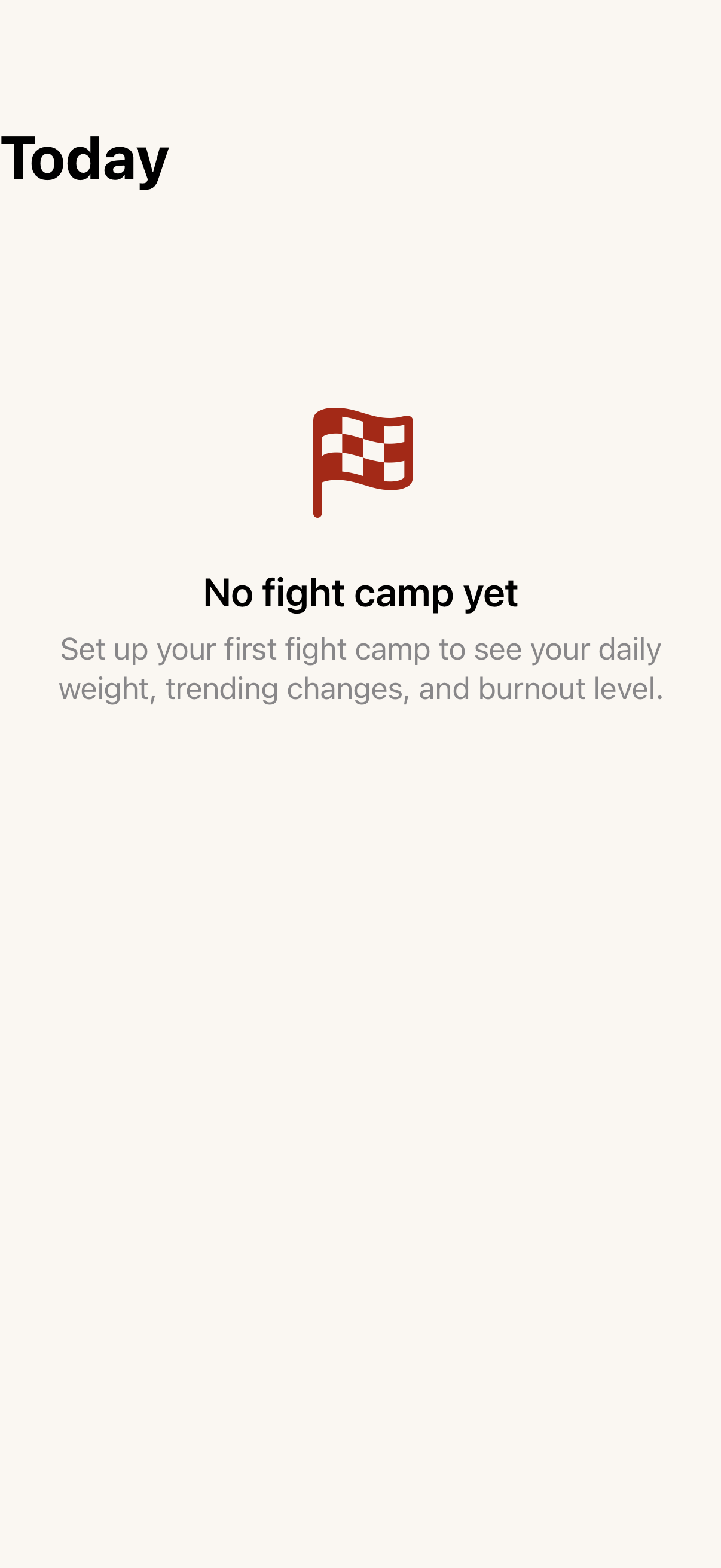
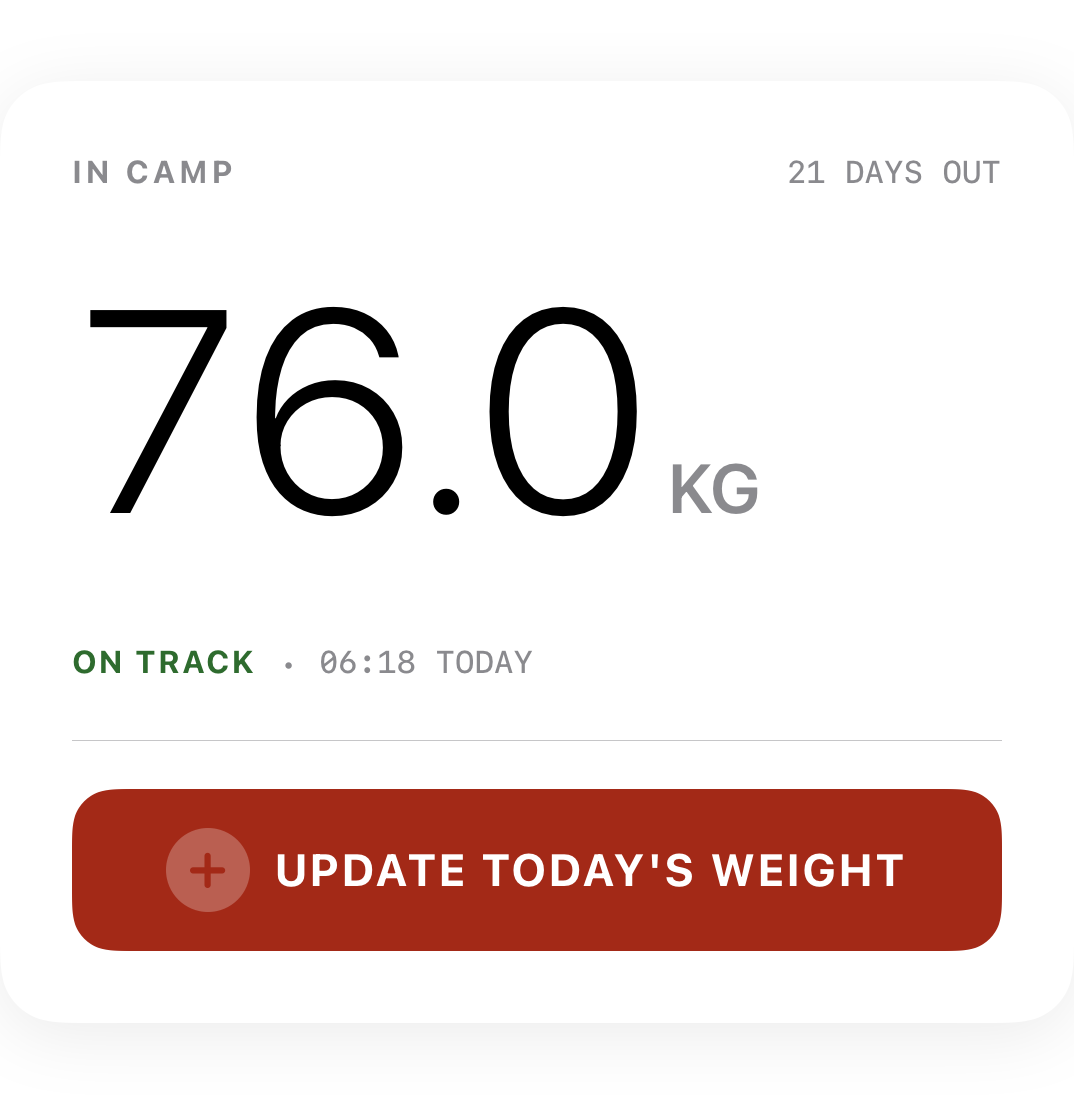
Home & Dashboard
4 screens
02
Onboarding
16 screens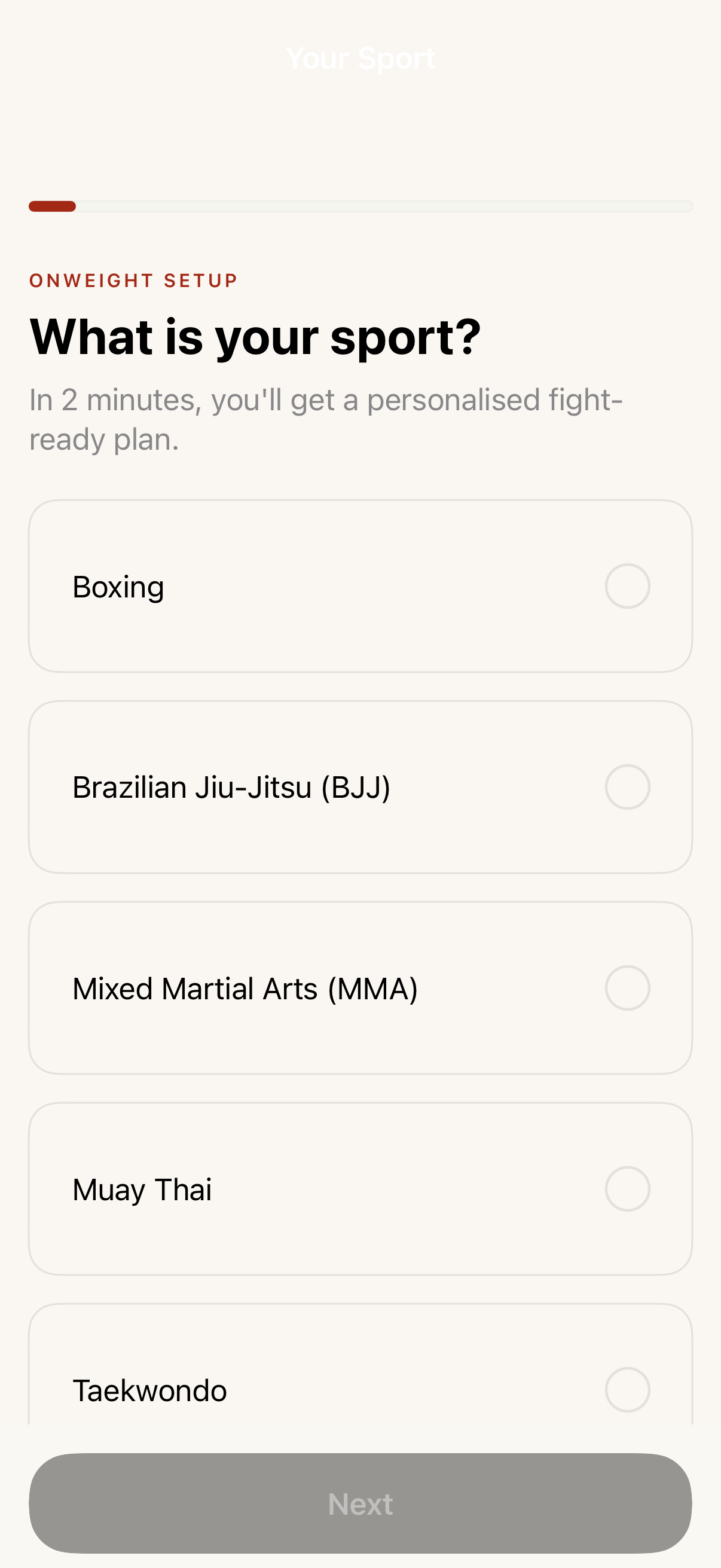 Sport Selection●Choose combat sport during onboarding.→
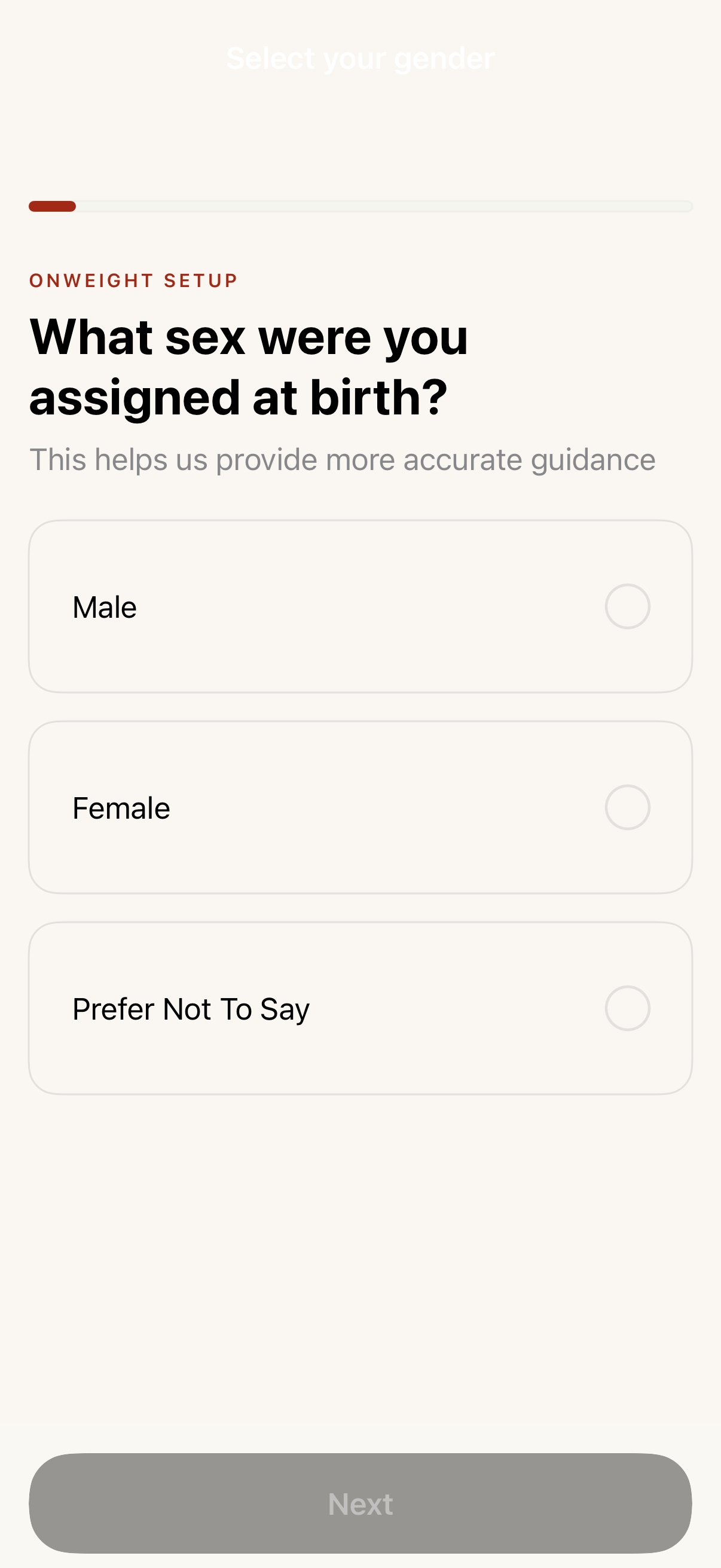 Gender●Biological sex selection for cycle tracking eligibility.→
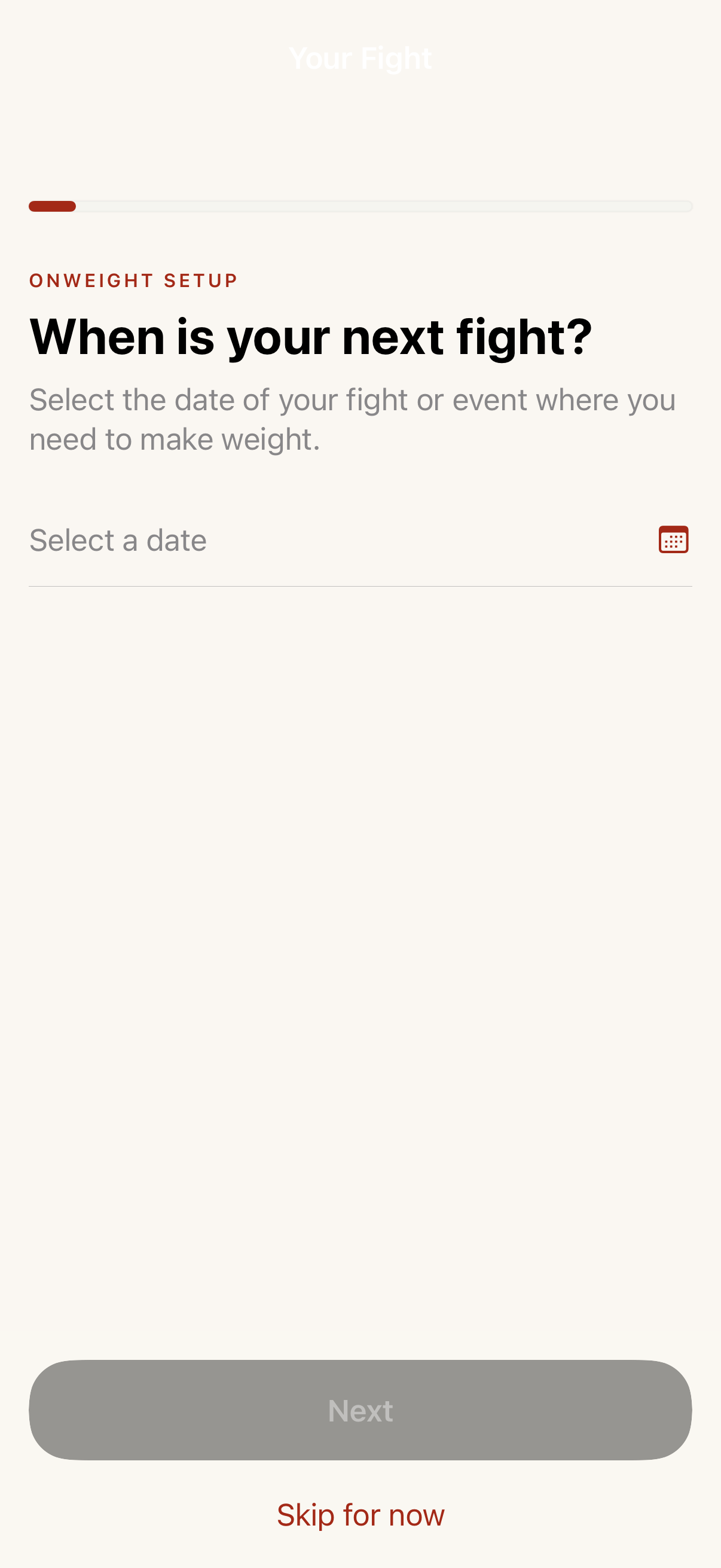 Competition Date●Pick your next fight date (has-fight path).→
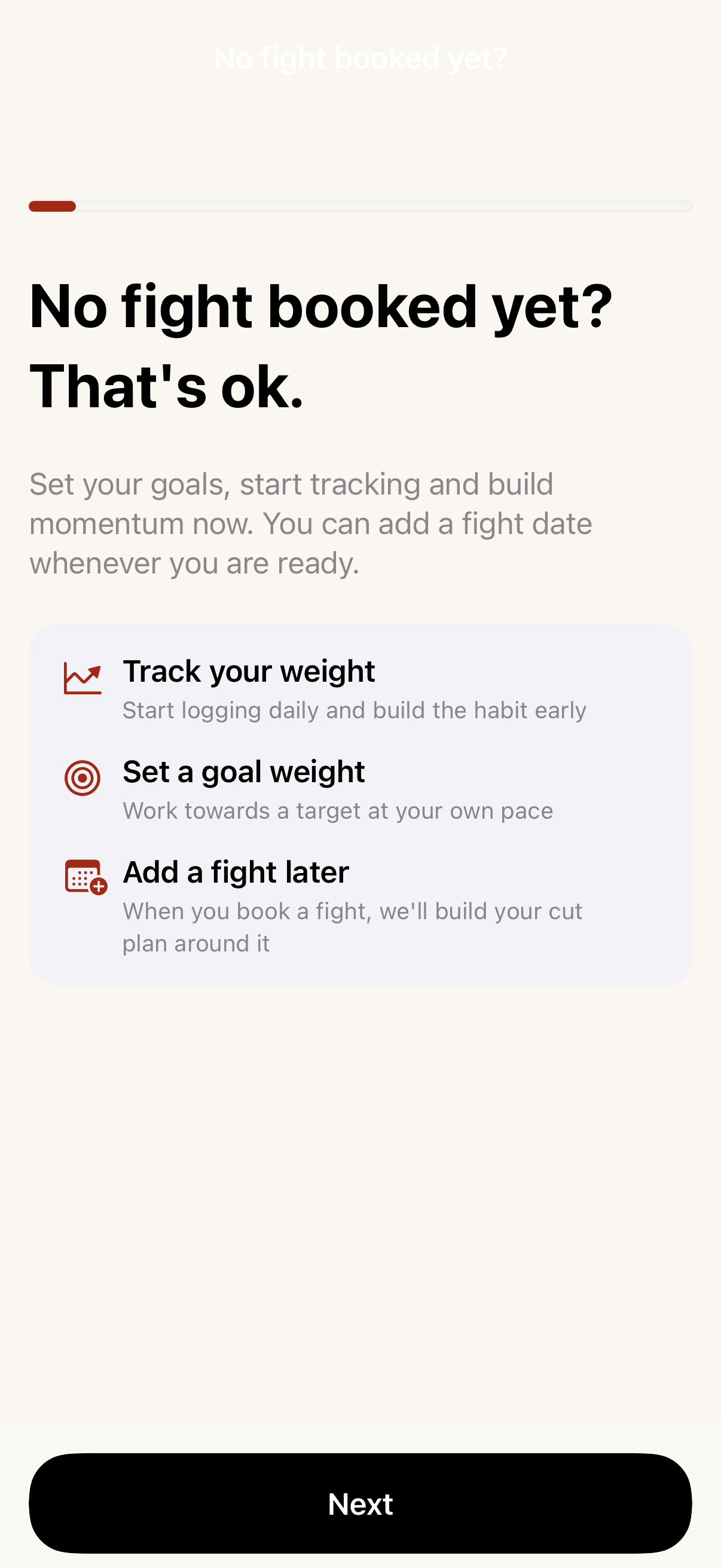 No Competition Date●No upcoming fight — general weight management path.→
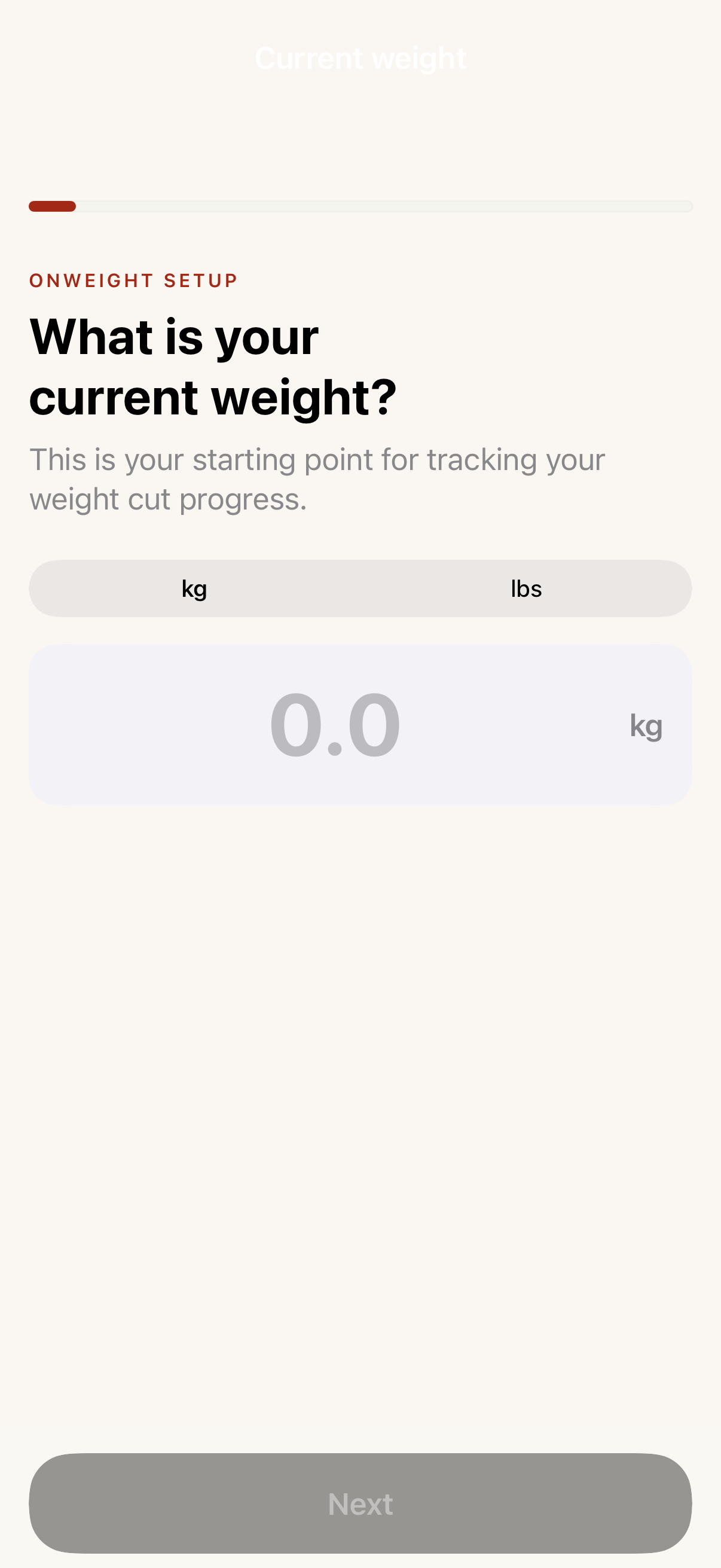 Current Weight●Enter starting weight during onboarding.→
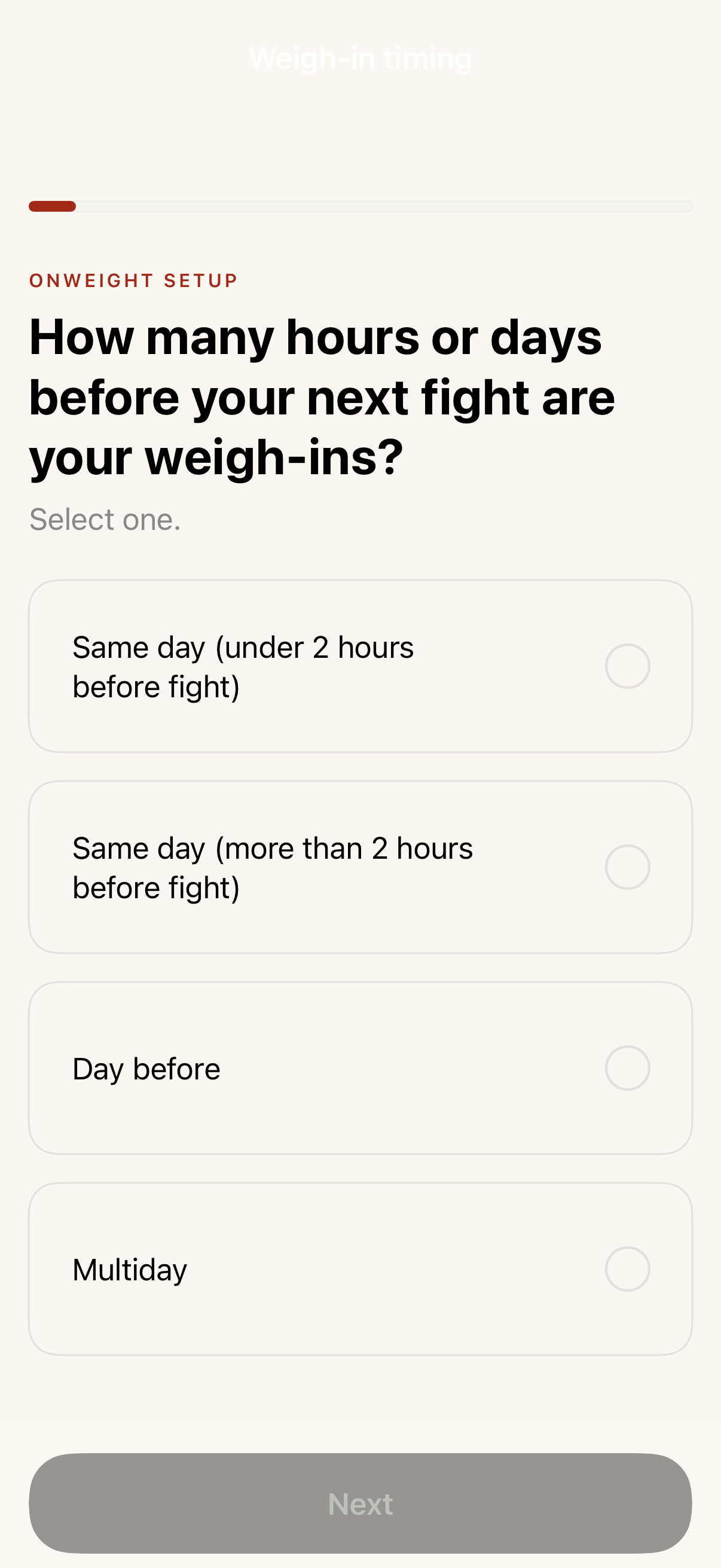 Weigh-In Timing●Select weigh-in time preference (has-fight path).→
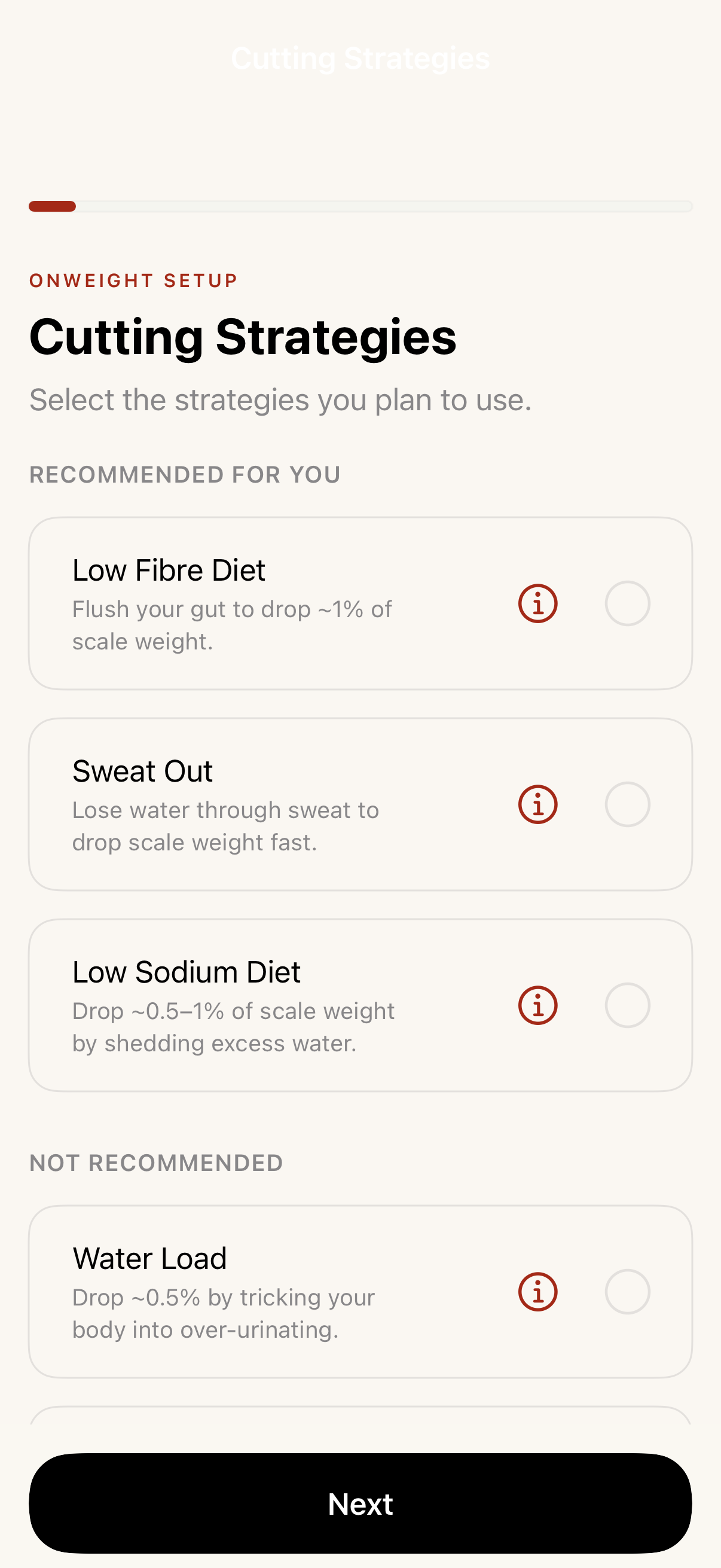 Weight Cut Strategy●Choose cutting approach — water, diet, or combined.→
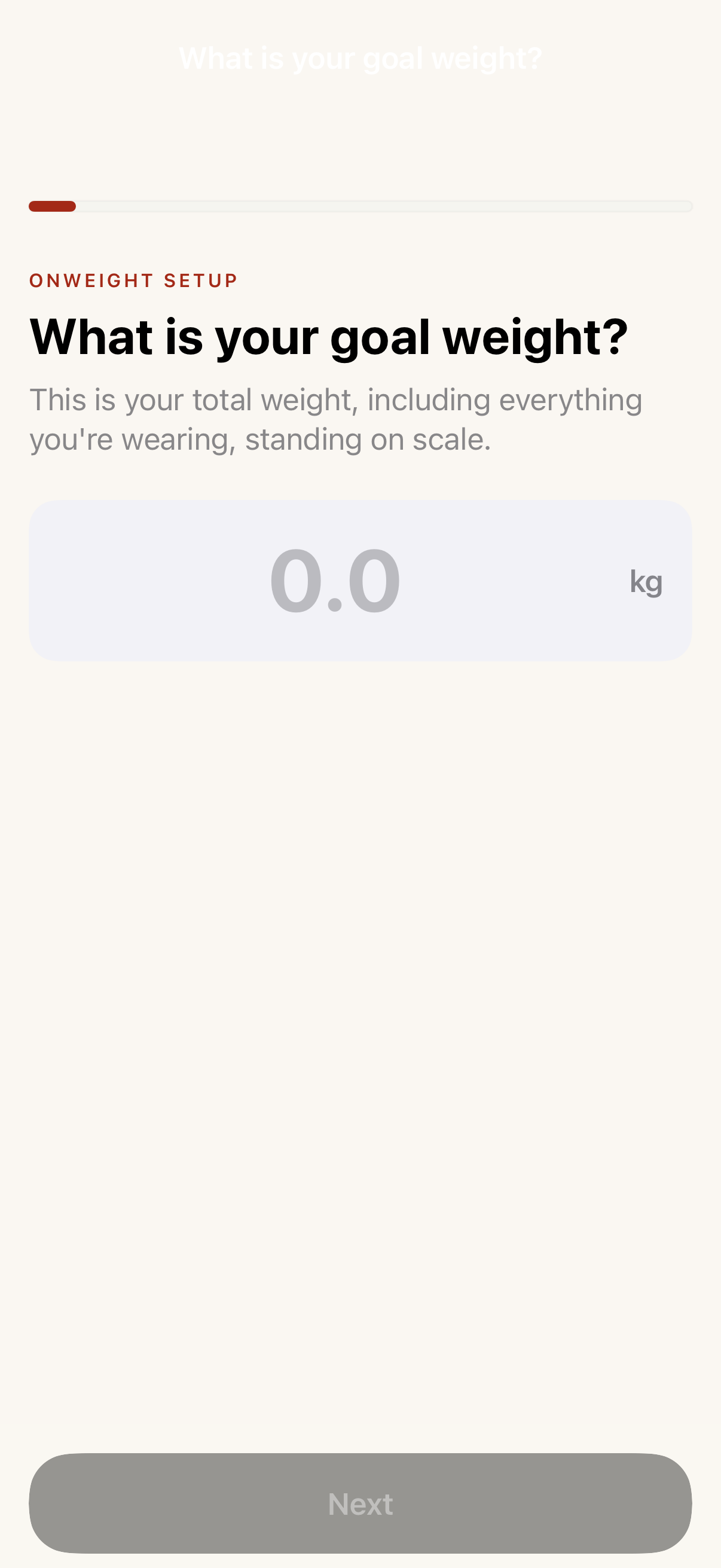 Target Weight●Set goal weight for the camp.→
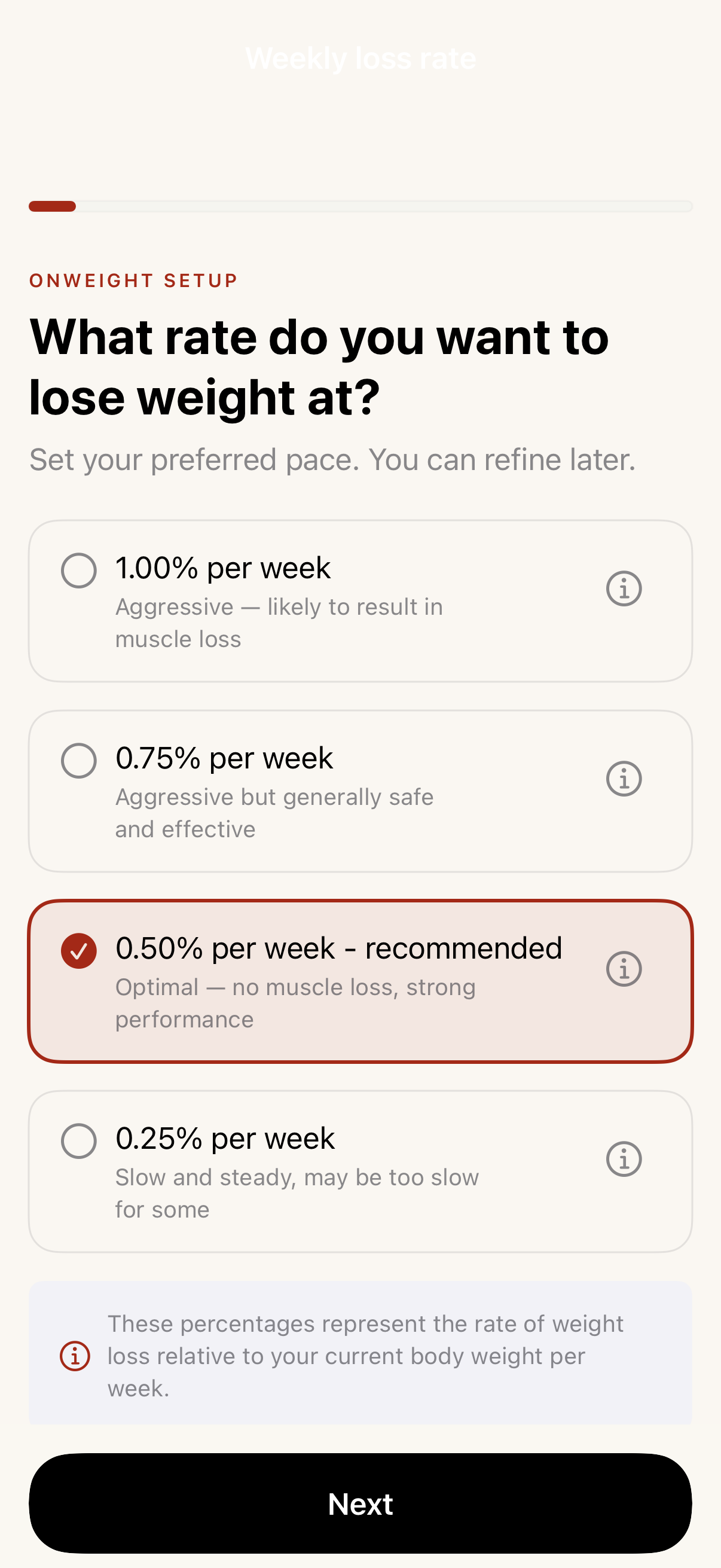 Weekly Loss Rate●Select weekly loss rate (no-fight path).→
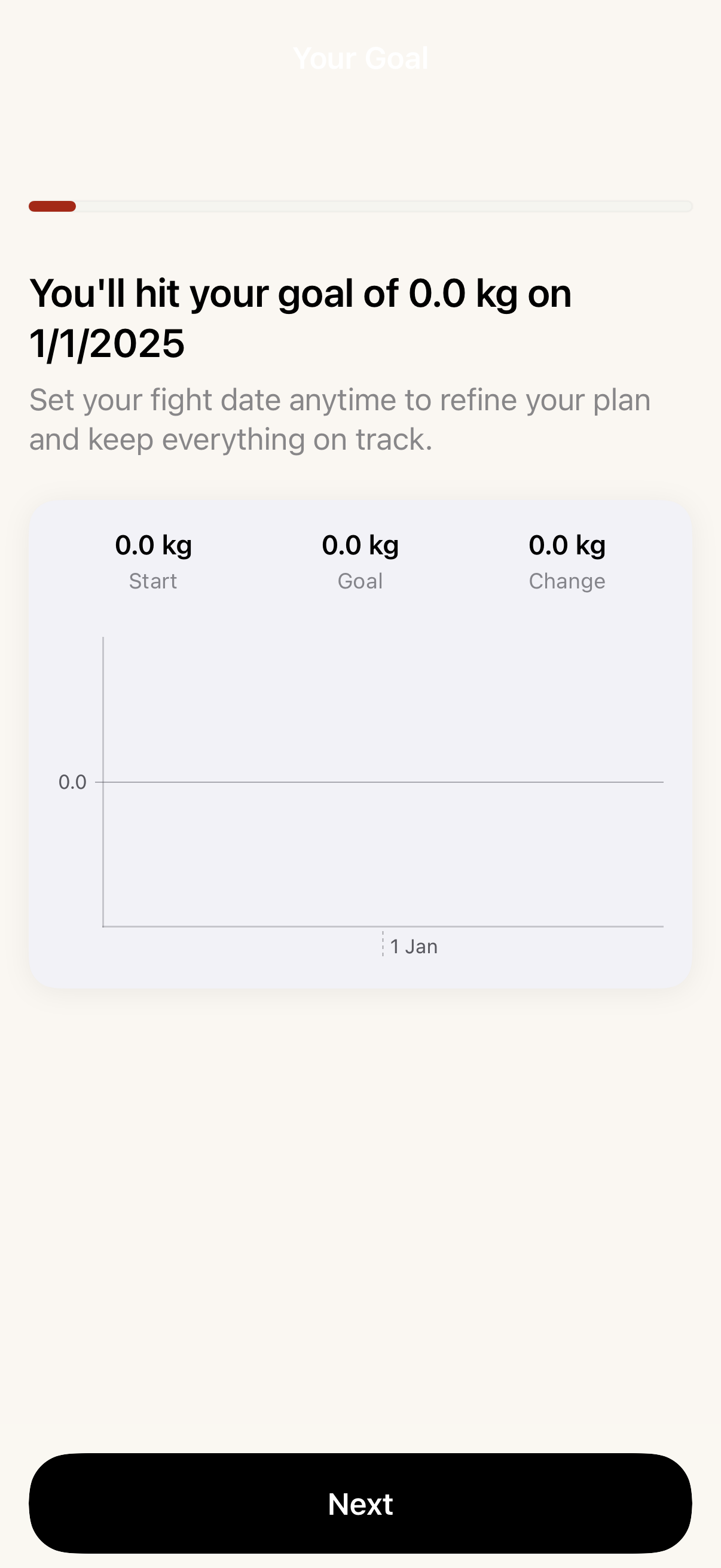 Goal Projection●Coach's read and projected timeline (no-fight path).→
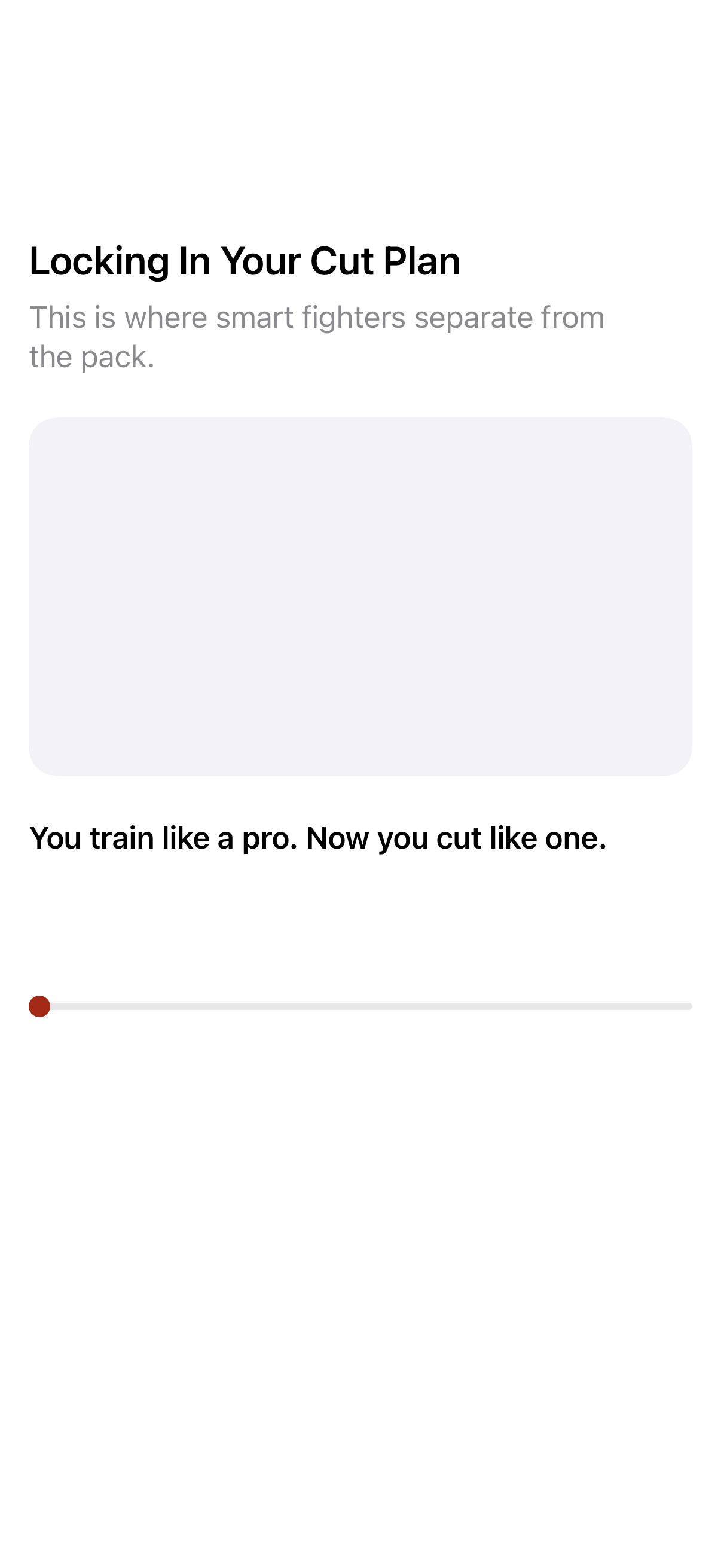 Loading Plan●Animated loading state while plan is generated.→
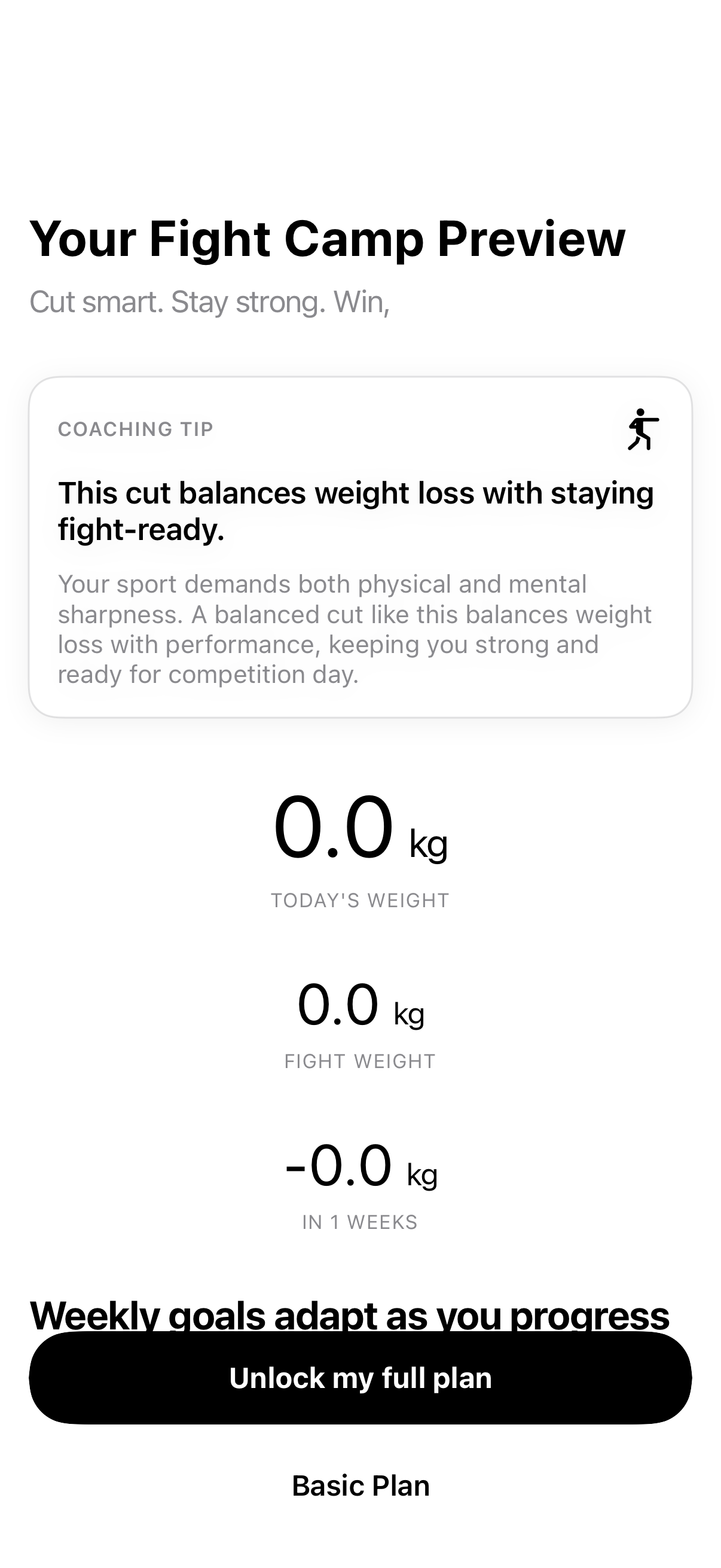 Plan Review●Review generated camp plan before committing.→
 Paywall●Subscription gate after plan review.→
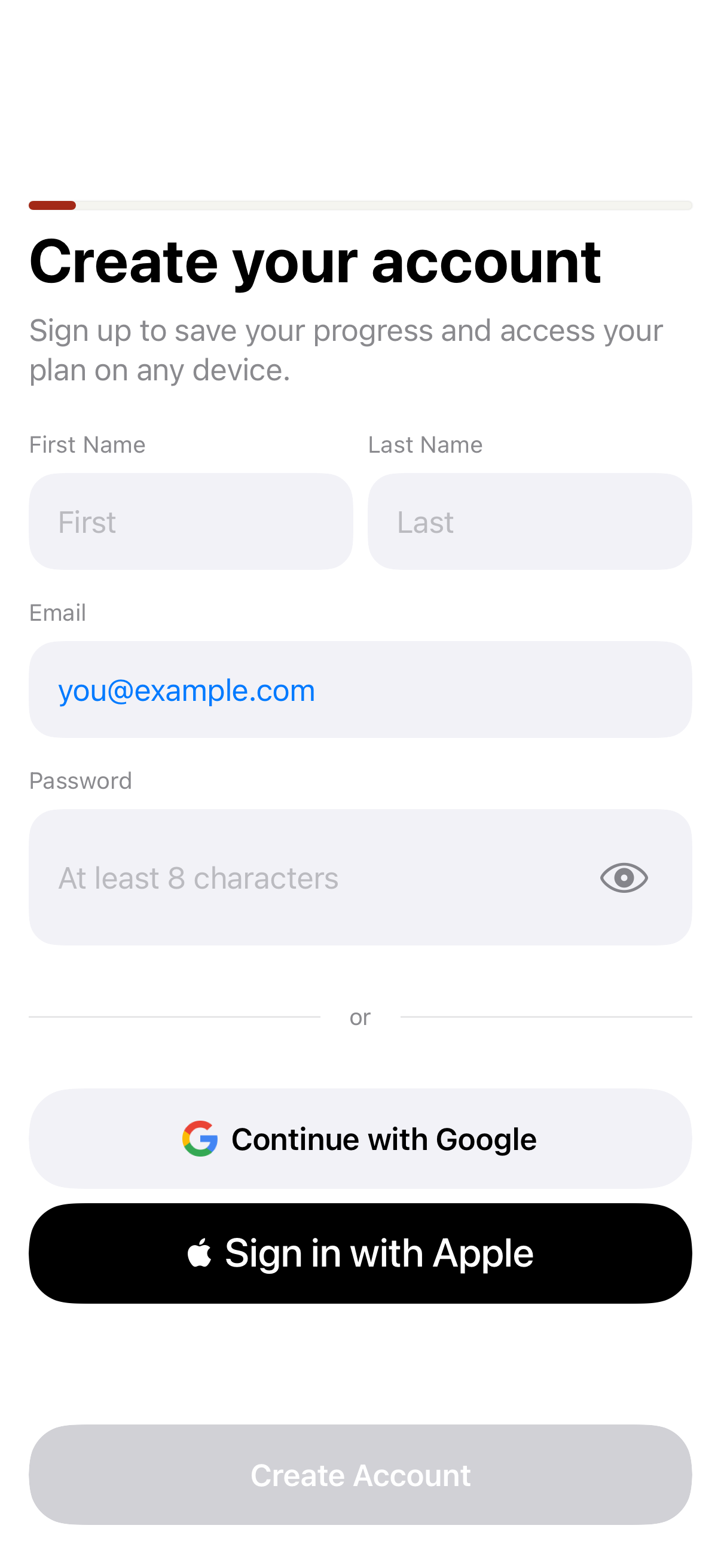 Create Account●Email sign-up step.→
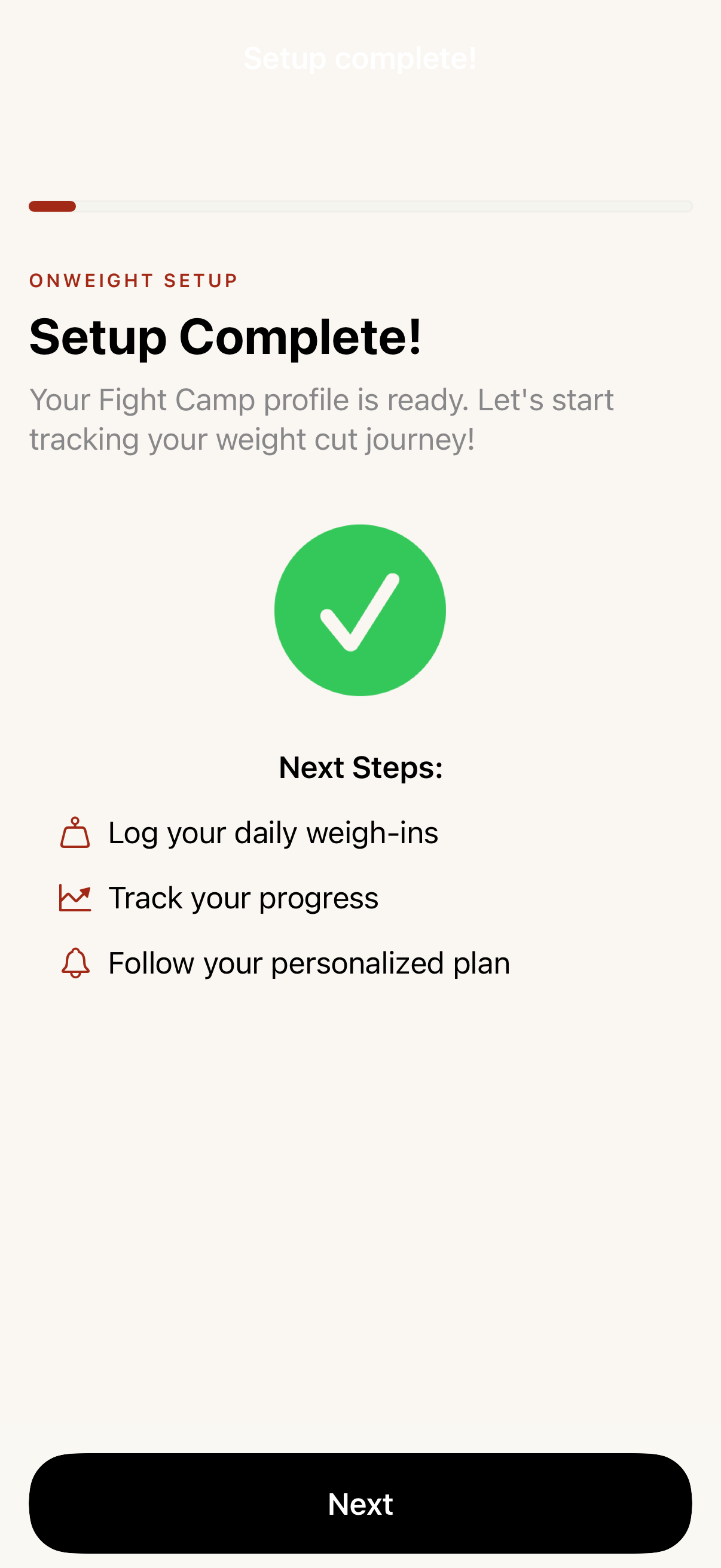 Onboarding Complete●Success state after onboarding finishes.→Superwall Paywall○Live paywall variants pulled from Superwall. All variants shown; the first is scored against the design.→
03
Progress & Charts
8 screens Progress●Full progress tab with chart, gauge, cone, burndown.→
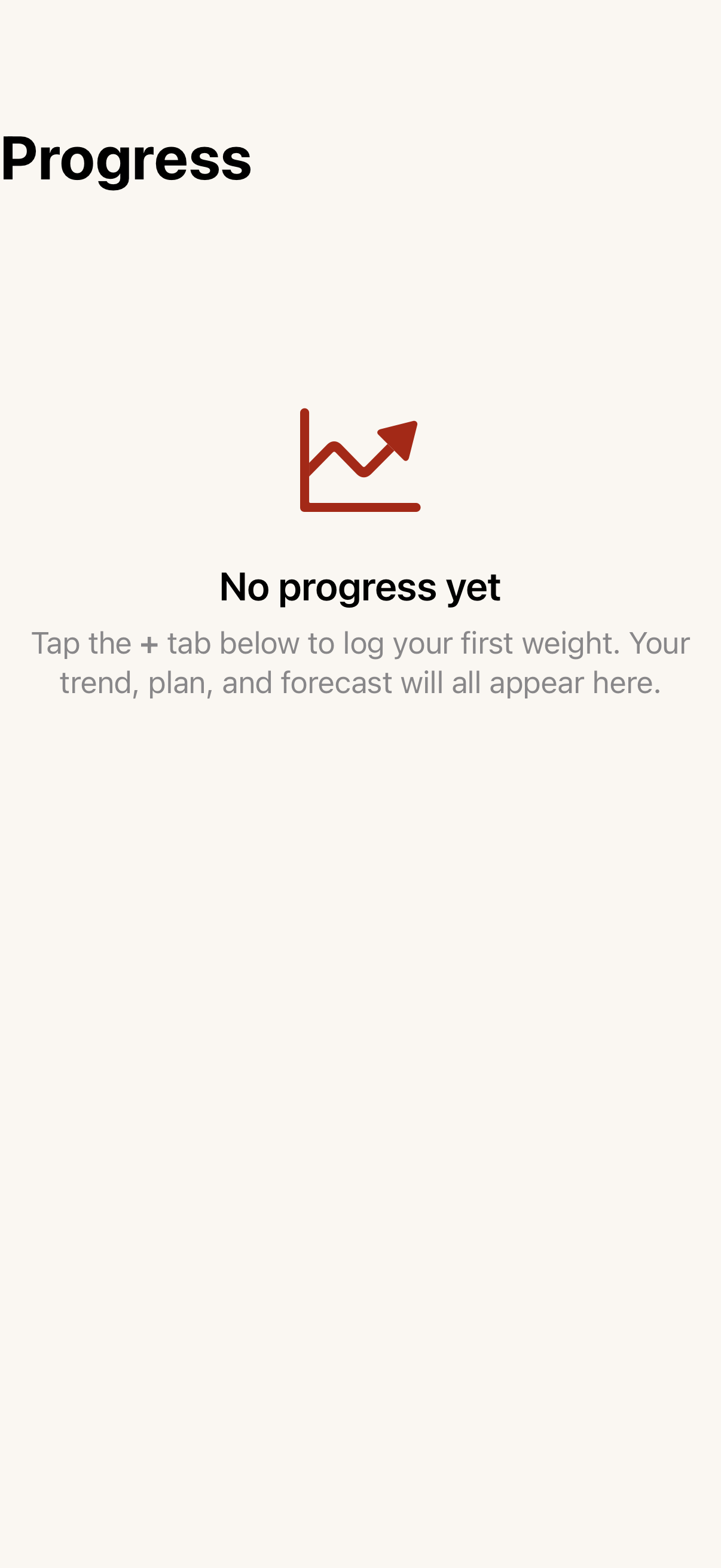 Progress — No Camp●Progress tab for the no-camp persona. The dedicated empty-state snapshot went away in the persona refactor; this is the nearest equivalent.→
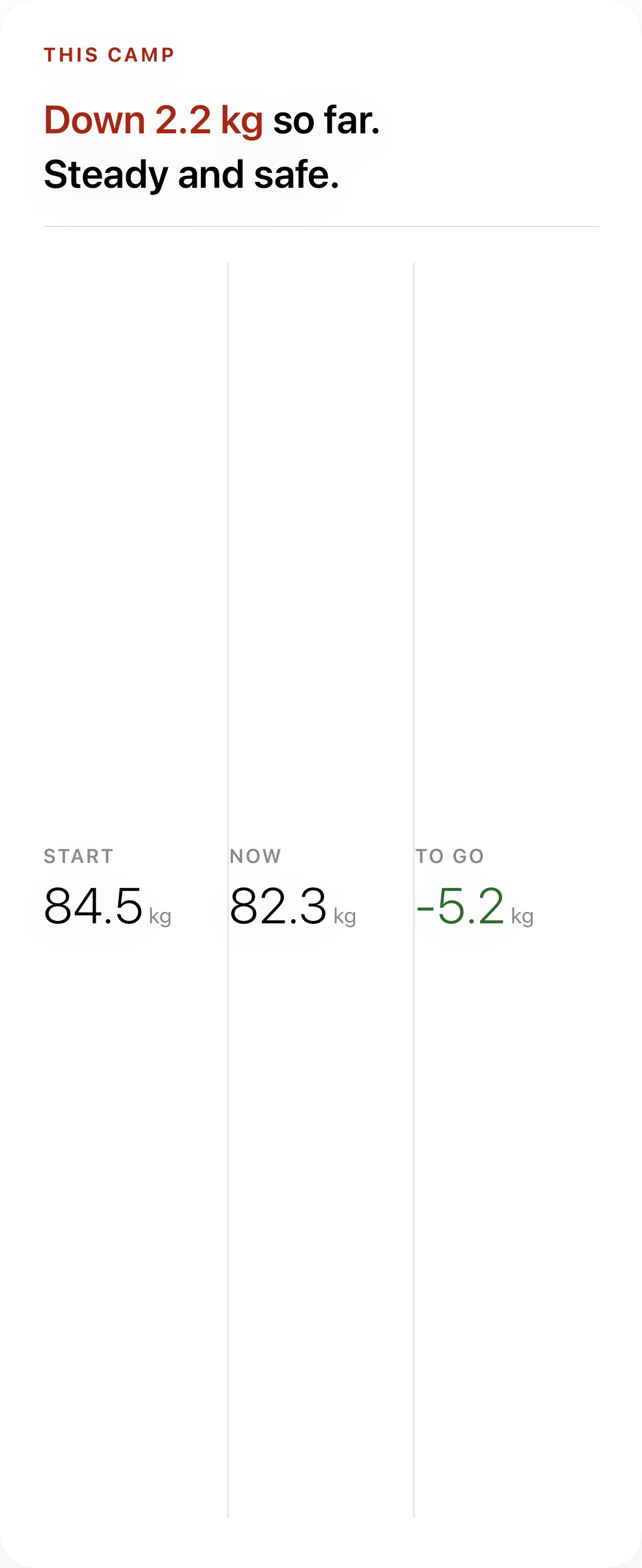 Trending Weight Summary●Card showing start, current, change, and target weight.→
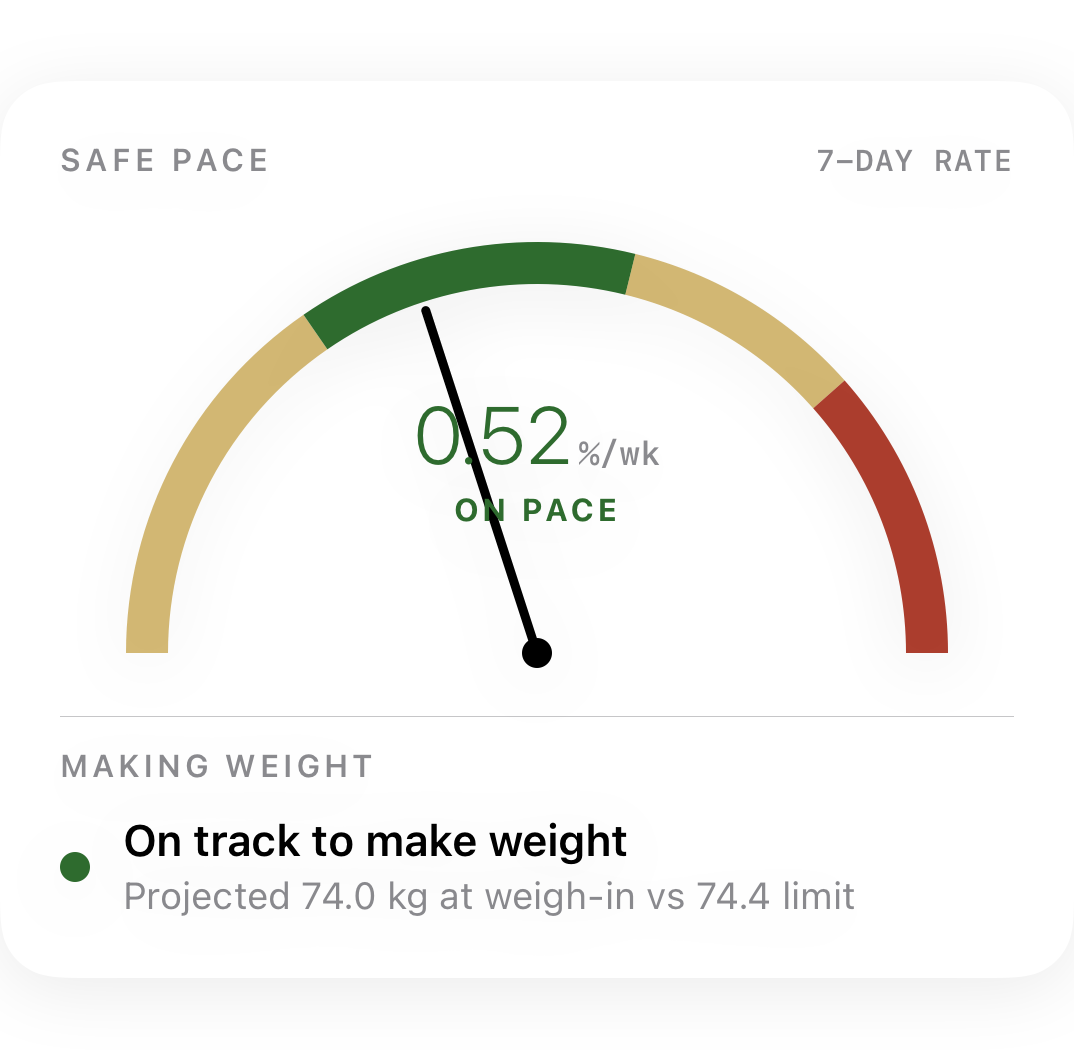 Pace Gauge●Radial gauge showing current vs planned cut rate.→
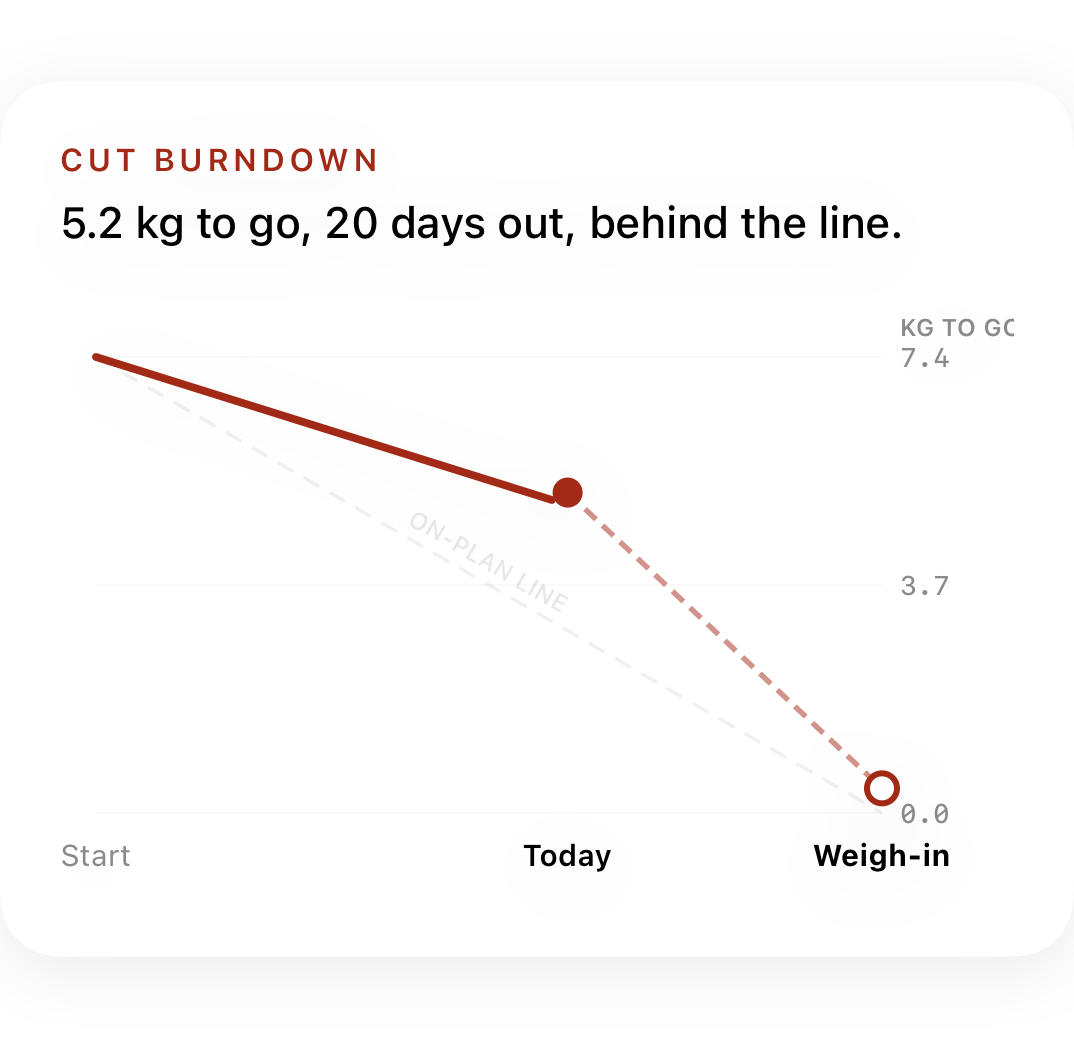 Burndown Chart●Linear burndown of weight over camp duration.→
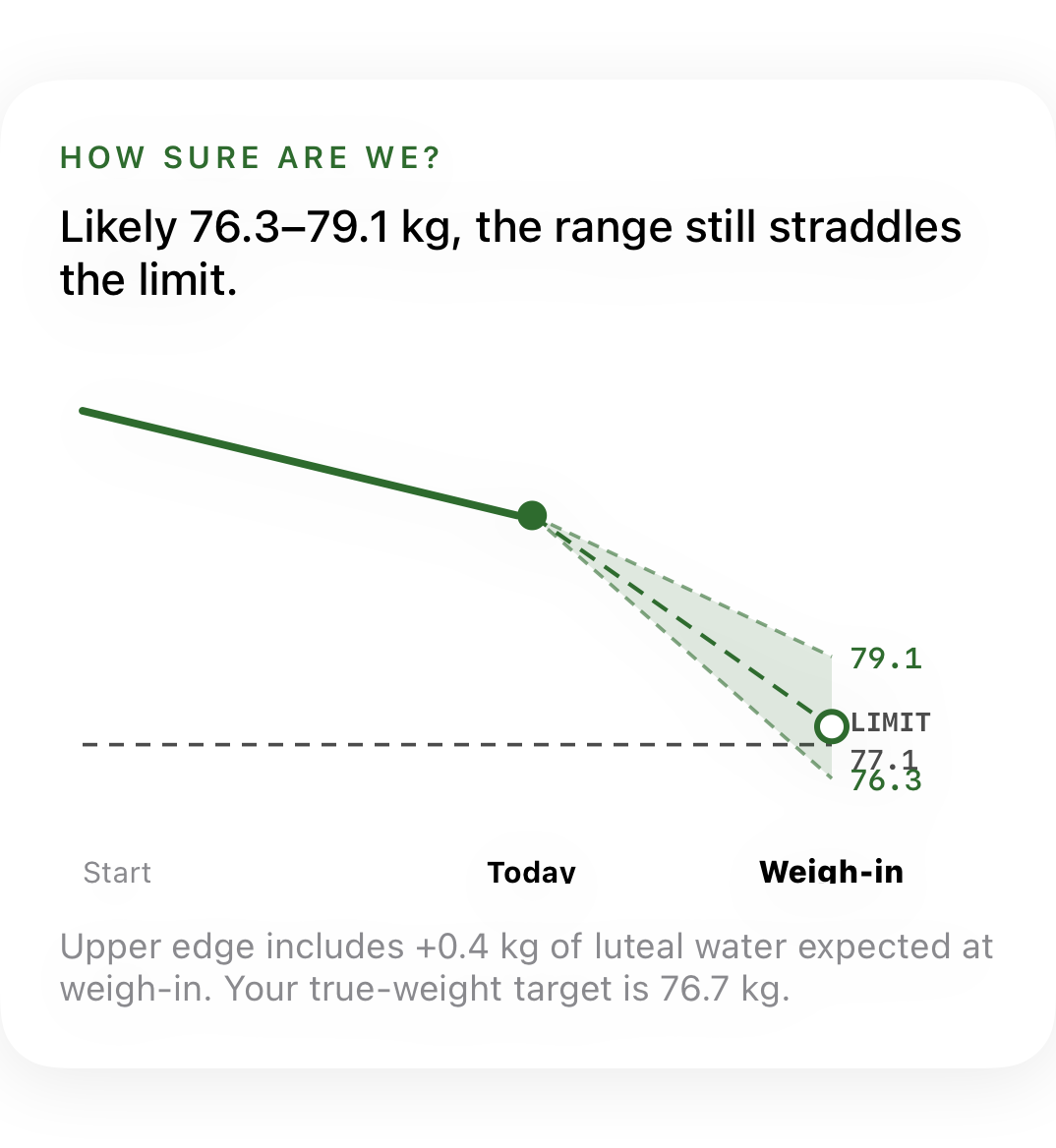 Cone Projection●Confidence cone showing projected weight range.→
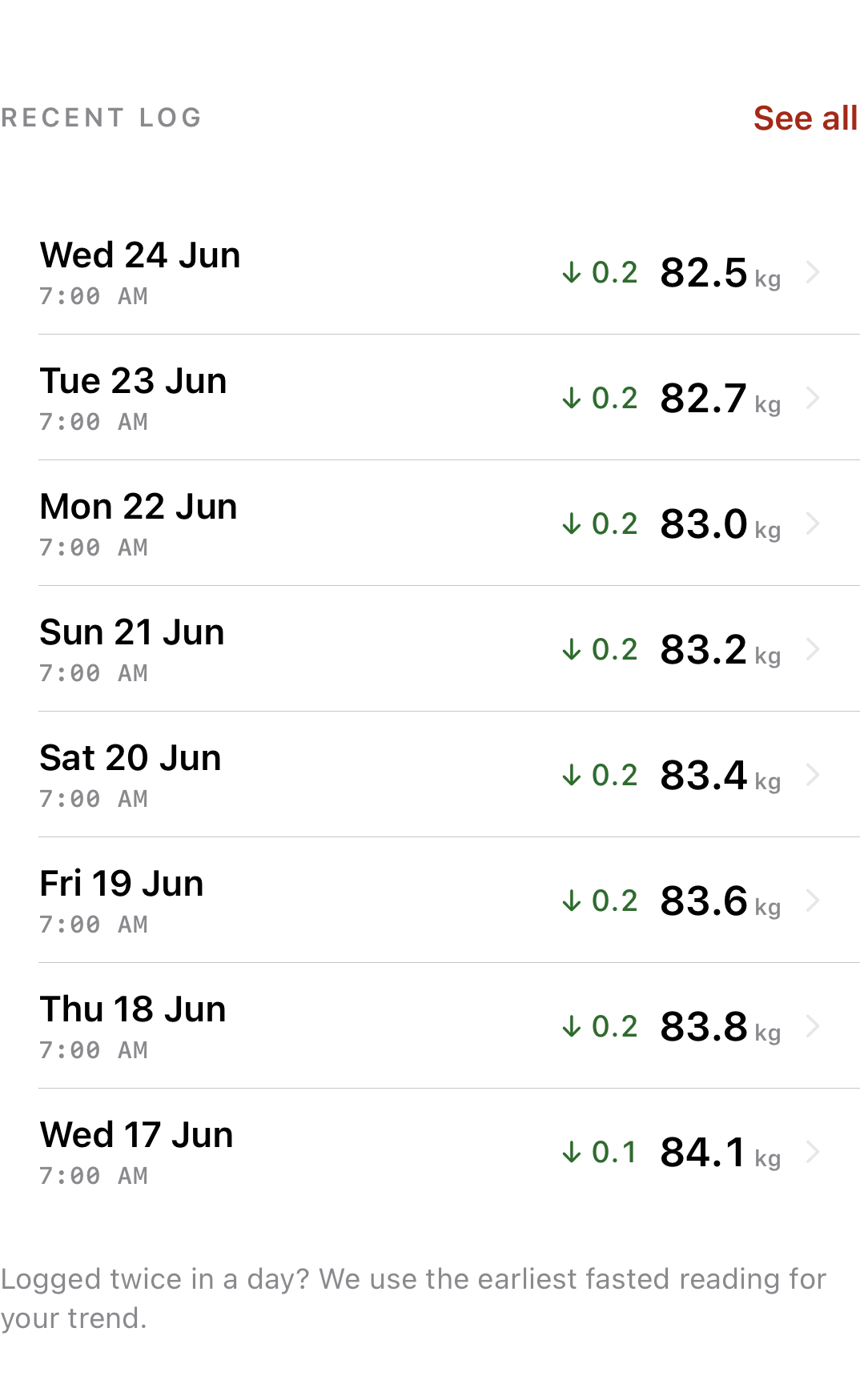 Weight Log●Historical list of all weight entries.→
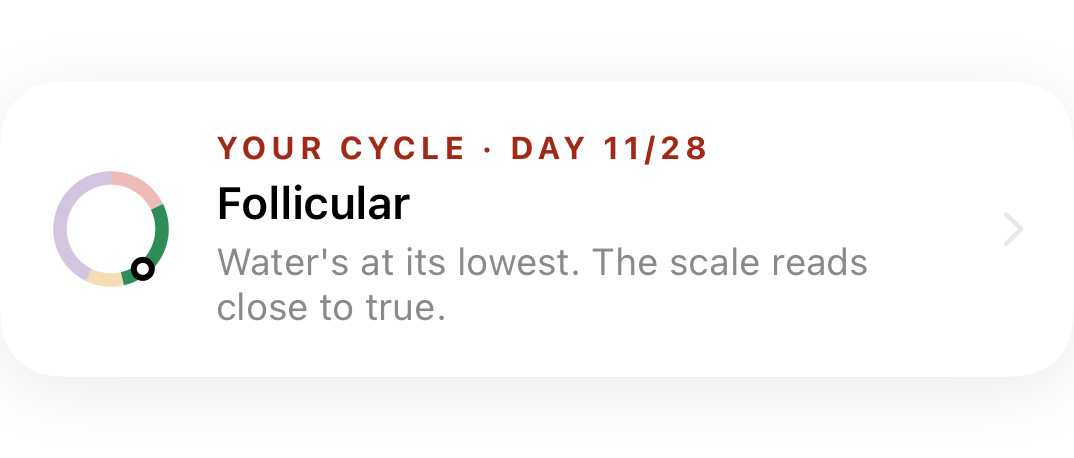
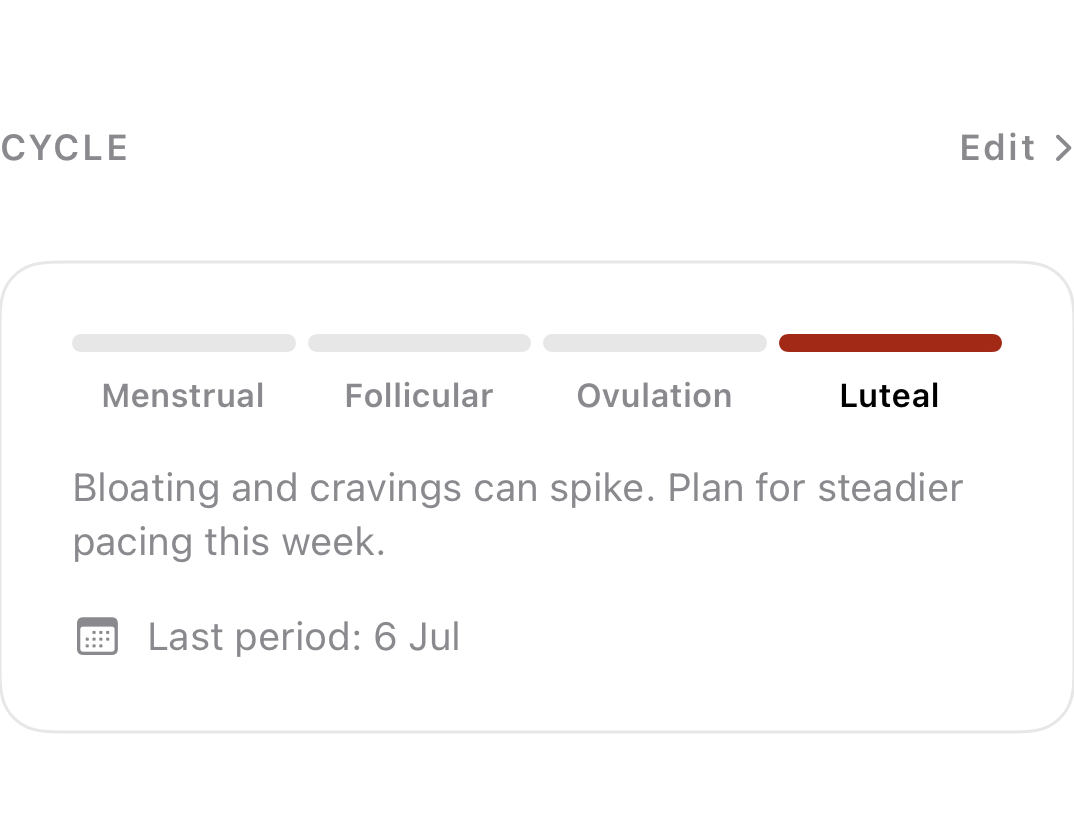 Cycle Progress●Menstrual cycle phase section on progress tab.→
04
Settings & Input
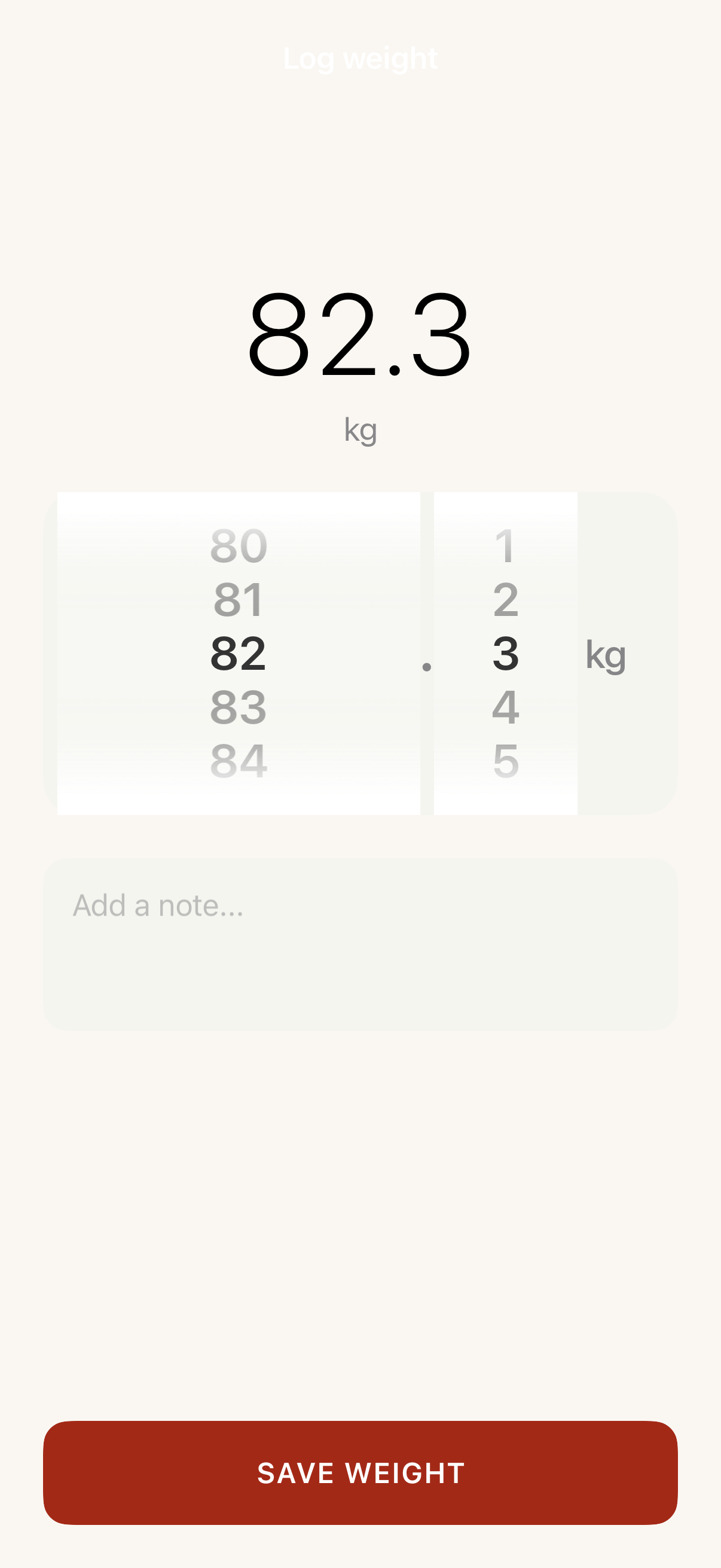
2 screens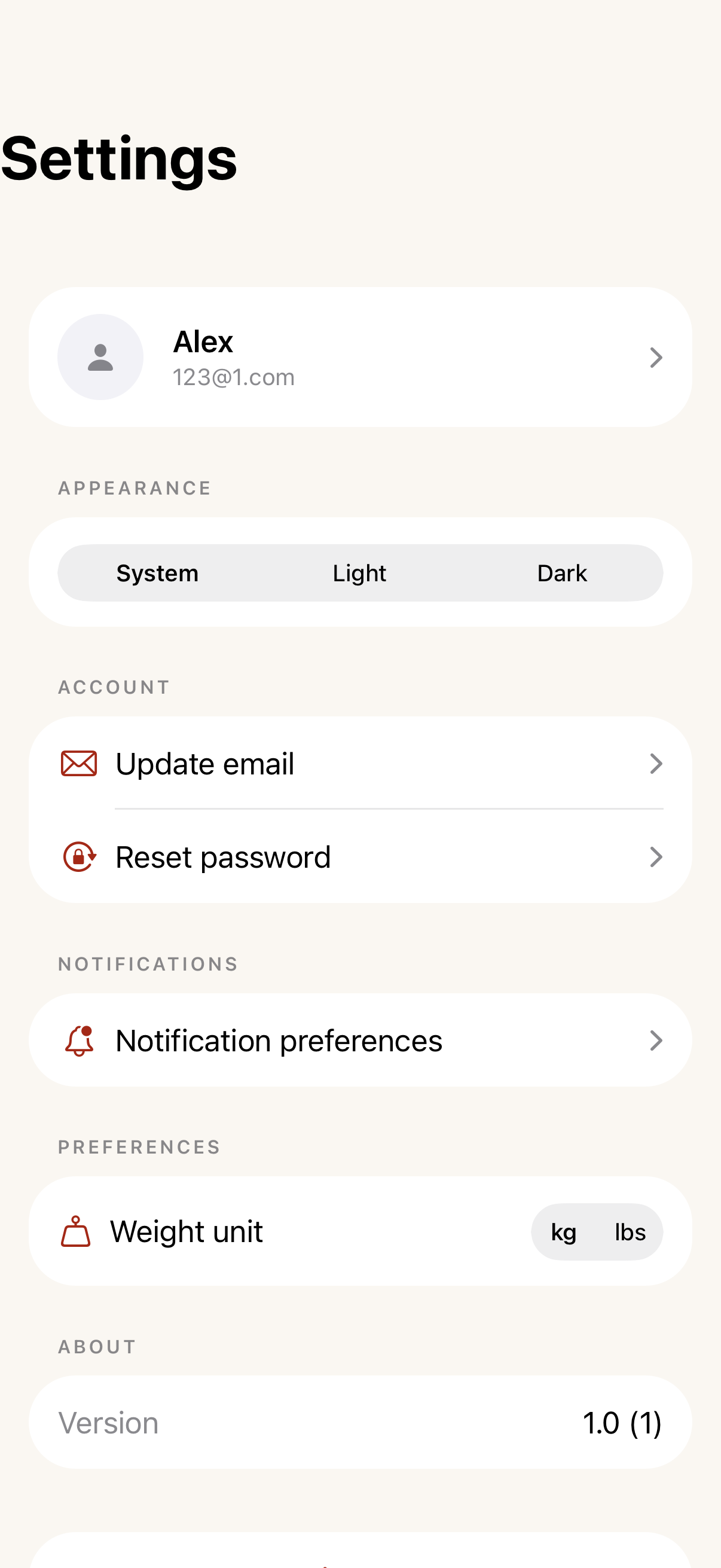
05